Why can't I log in using Microsoft sign-in?
Last updated: July 31, 2026
This article only applies if Microsoft Authorization is enabled in the White Label settings.
When attempting to log in to the platform dashboard using Microsoft, you may find that the login does not go through. This typically occurs when your organization requires admin approval before third-party apps can be accessed via Microsoft authentication.
How to fix it
To resolve this, follow these steps:
Go to the platform's sign-in page and attempt to sign in with Microsoft.
When prompted, enter a justification in the Enter justification for requesting this app field.
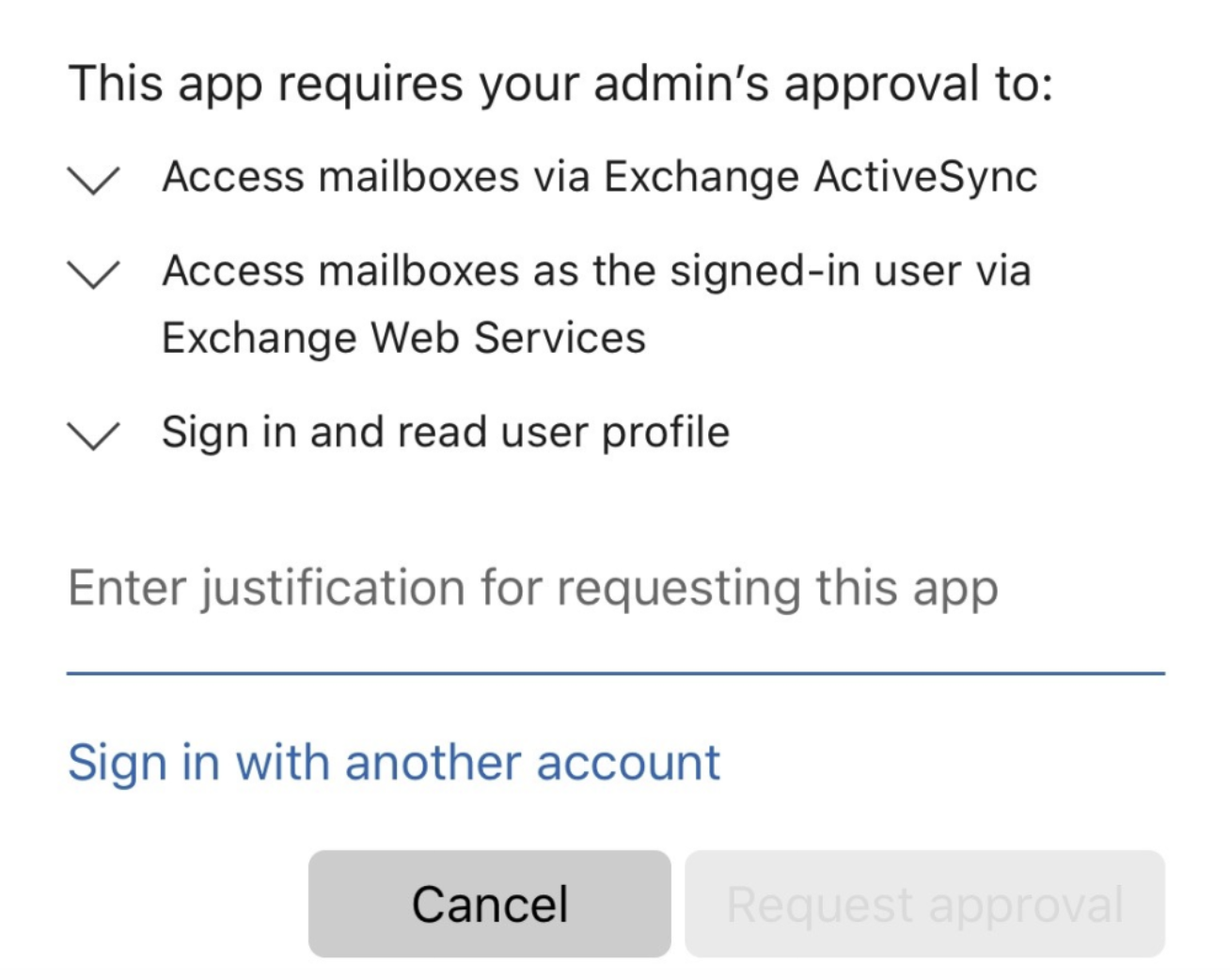
Click the Request approval button to submit your request.
Your organization's security team or administrators will review and approve the request. Once approved, you will be able to log in using your Microsoft account.
Important to know: The same reasoning also applies to authorizing via your Google account. You might run into the same issue if your organization requires admin approval.
If you continue to experience issues after approval has been granted, please reach out to our Customer Support team for further assistance.