Getting Started with Web Visitors
Last updated: April 10, 2026
This feature is currently unavailable.
In today’s digital landscape, knowing who visits your website — and when — is more crucial than ever. That’s why we’re excited to introduce Web Visitors, a feature designed to give you deeper insight into your website traffic and turn visitors into actionable prospects.
By adding a small tracking snippet to your website, Web Visitors allows you to:
Identify who’s visiting your site
Match visitor data with our internal prospect databases
Automatically add those prospects to your campaigns
Important: Web Visitors only collects data from visitors based in the USA.
This feature is currently in beta.
Before You Start: Compliance Guidelines
❗Before using Web Visitors, please review the compliance guidelines to ensure responsible and compliant use of collected data: Web Visitors Compliance Guidelines
Creating Your First Tracker
To create your first Web Visitors tracker:
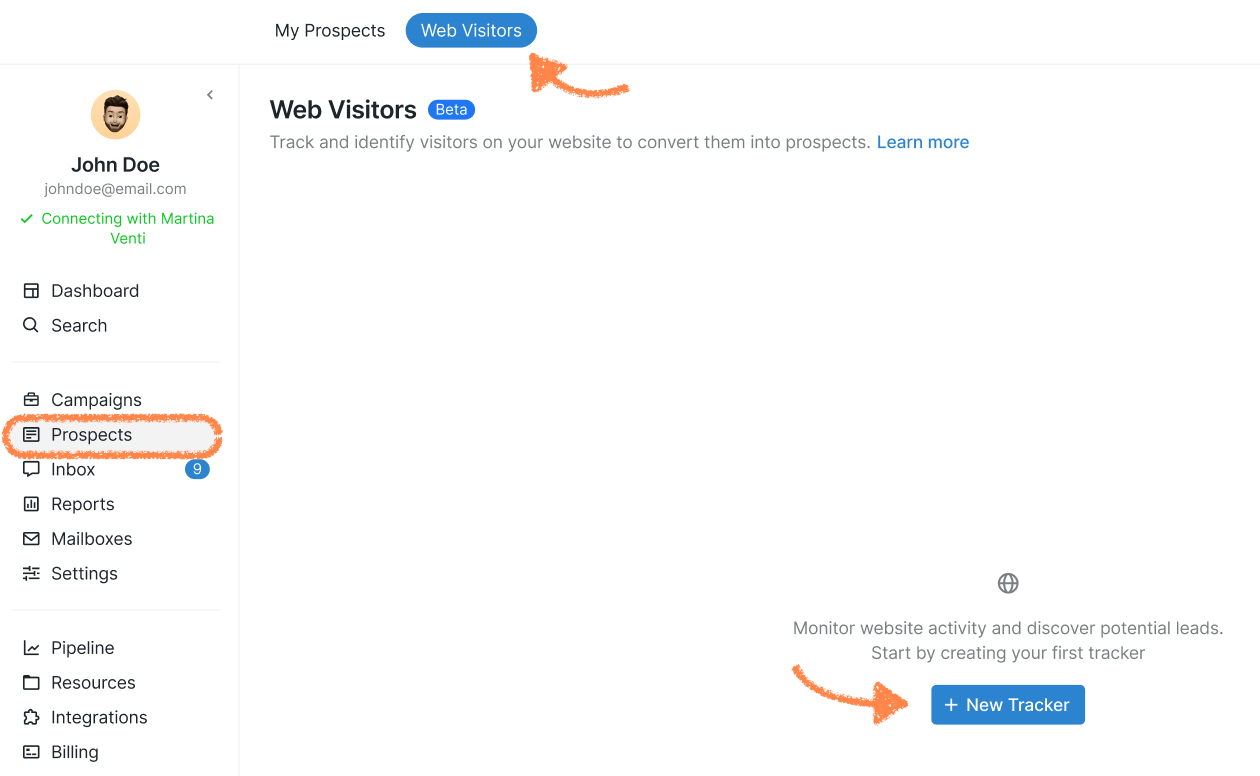
Go to Prospects > Web Visitors > + New Tracker.
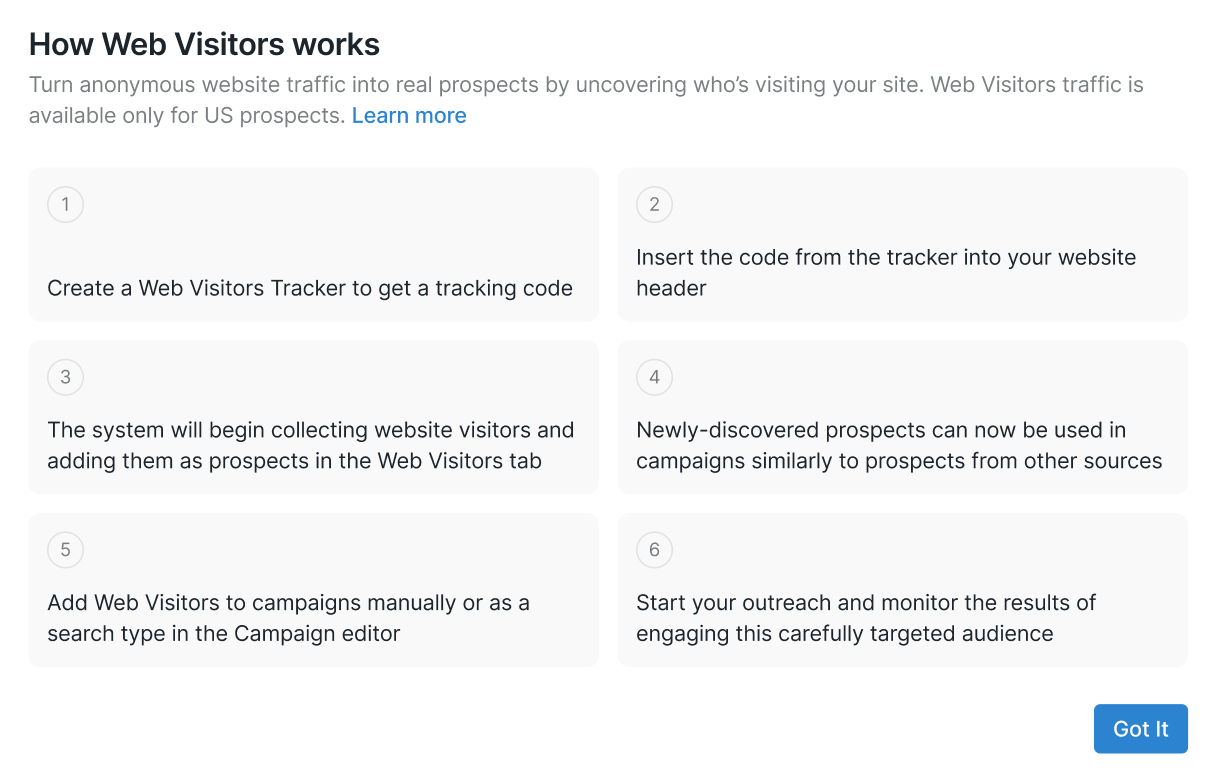
You’ll see a short introduction explaining how Web Visitors works. Click Got it to continue.
A new window will appear with your tracker code.
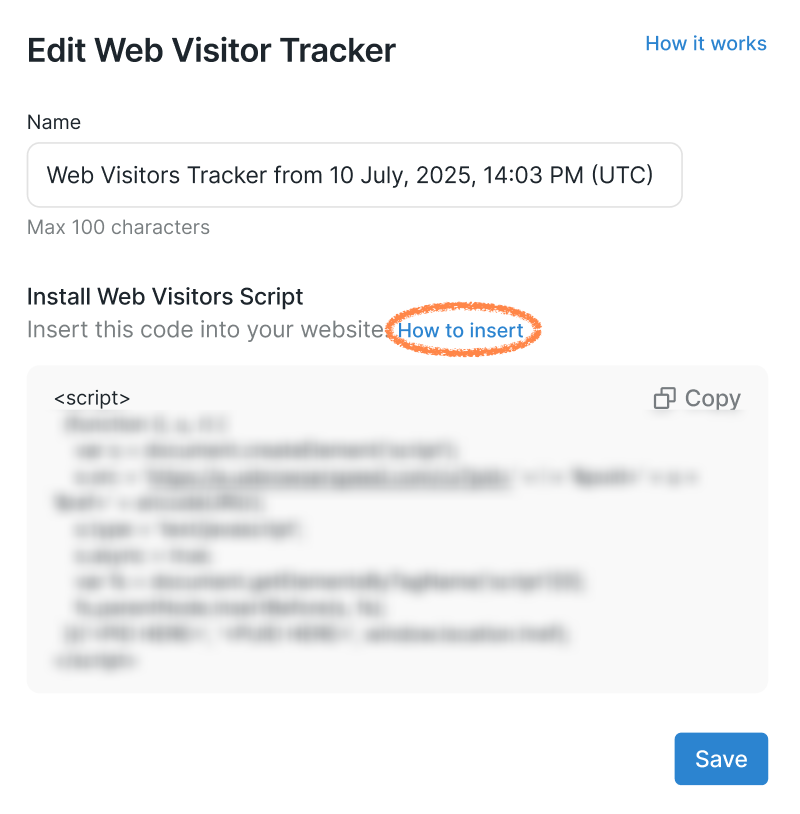
This code collects visitor data from your website.
Give your tracker a name so it’s easy to identify later.
Click How to insert to view step-by-step installation instructions based on where your website is hosted.
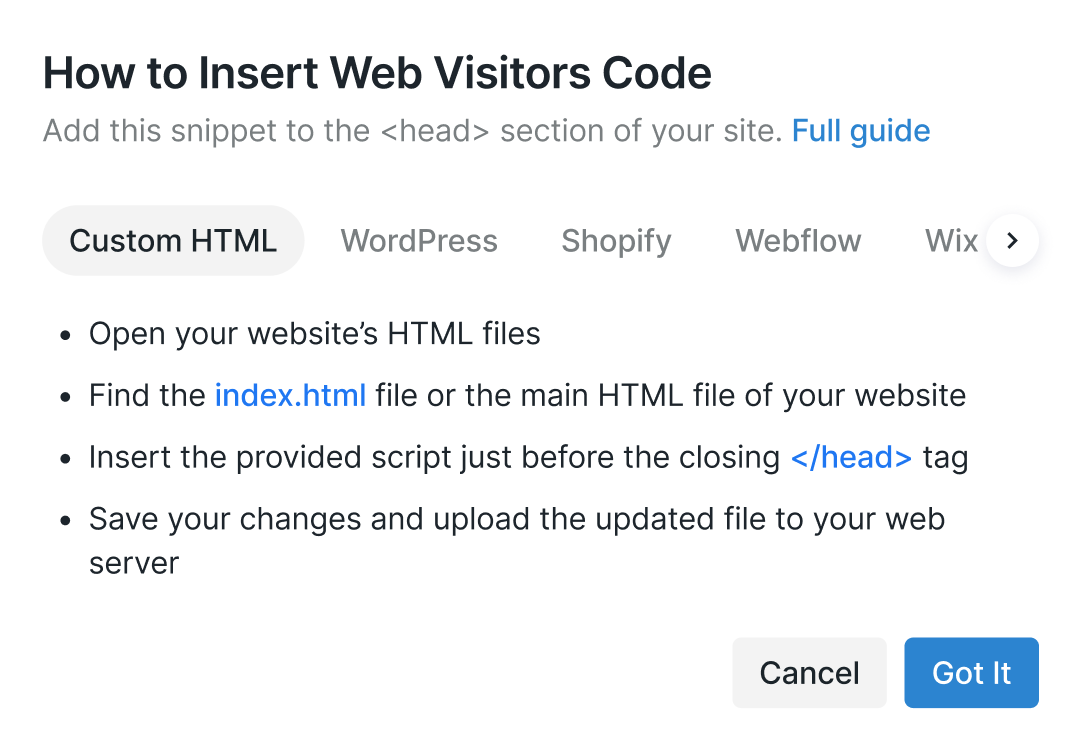
If you’re using a standard HTML page, insert the code into your file as shown in the example provided:
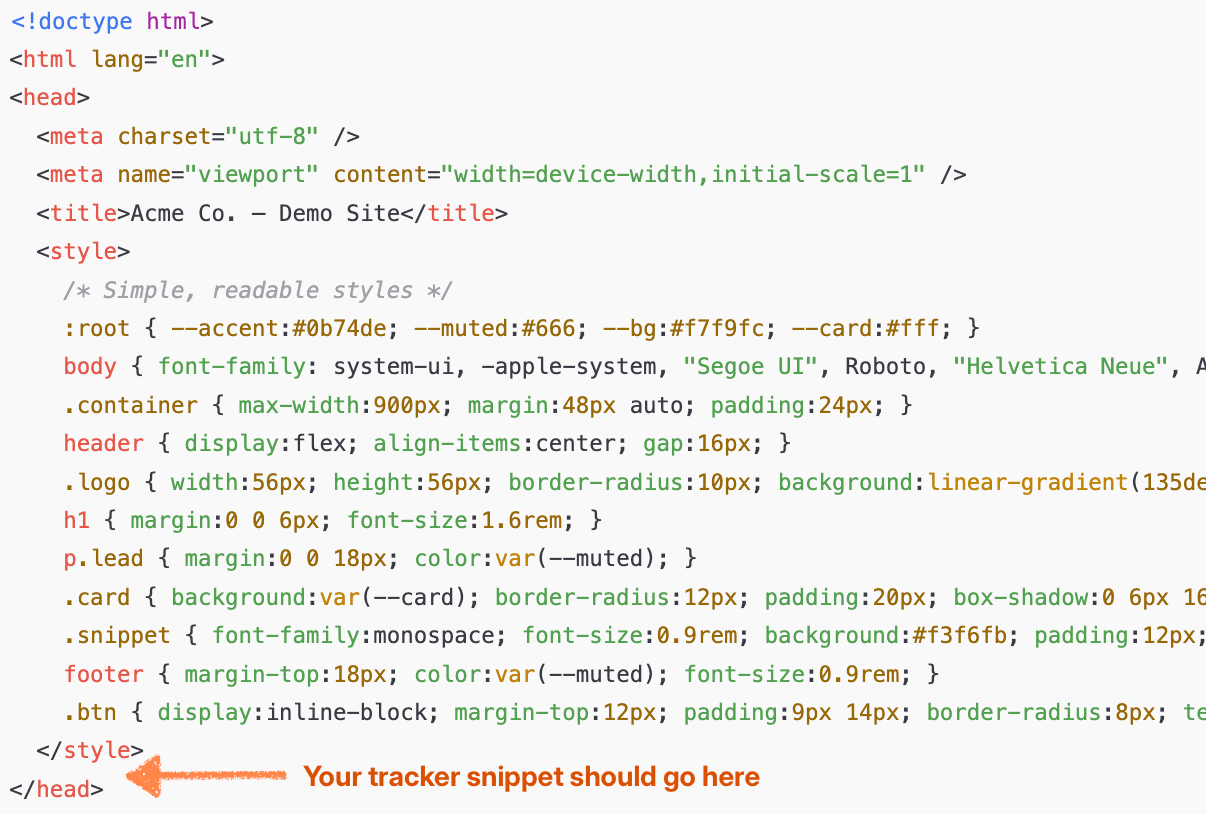
Once the code is added to your site:
Go back to the platform
Click Save
Your tracker will now be created and activated 🎉
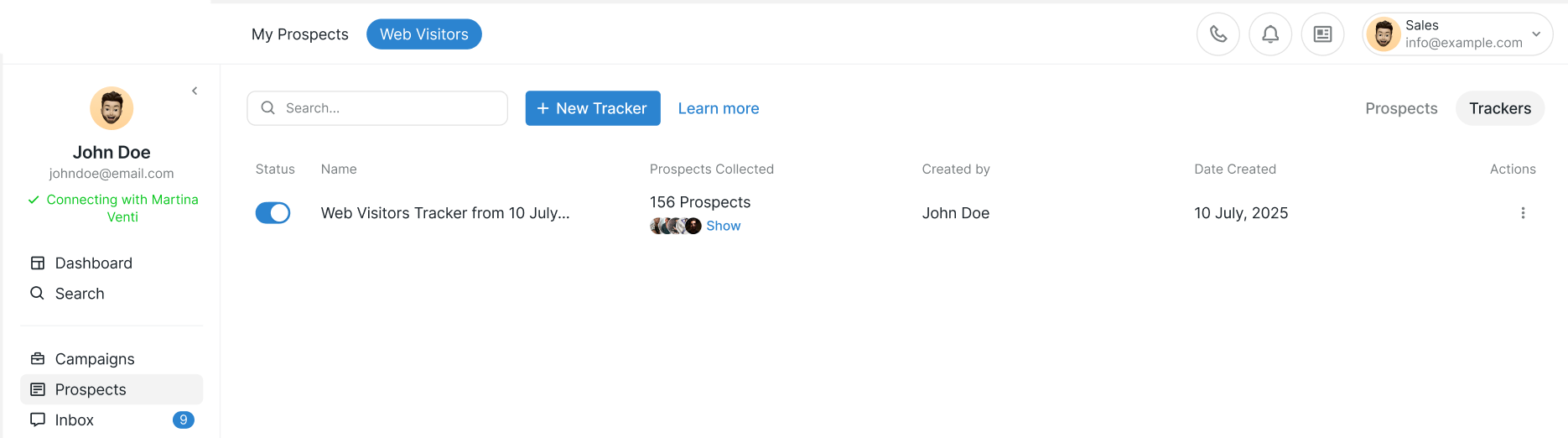
You can view and manage all your trackers from the Web Visitors section at any time.
How website visitors are added
A few things to know about how visitors are added to your campaign:
Only visitors who already exist in our database can be added. If someone visits your website but isn’t in our system yet, they won’t appear in your campaign.
Visitors are added 24 hours after their first activity on your website.
This means if you don’t see any prospects right away, that’s normal. For example, if someone visits your site 20 hours after you launch the campaign, they won’t show up until closer to two days after launch.