Why Connection Requests / InMails Outreach Get Limited (and How to Reduce Them)
Last updated: April 29, 2026
Even when you’re running your outreach through our platform, it’s important to remember that the Social Platform still enforces its own internal sending limits.
These limits are applied dynamically by Social and are not fully predictable or transparent. Even accounts with similar activity may experience different outcomes.
💌 If You See “Sending Basic InMails Was Limited”
For instance, regardless of whether your plan includes up to 800 InMails per month, your actual sending capacity may depend on several factors, such as your account’s engagement level, acceptance rate, and recent activity patterns.
If you hit your personal limit, you will see these notifications on the platform:
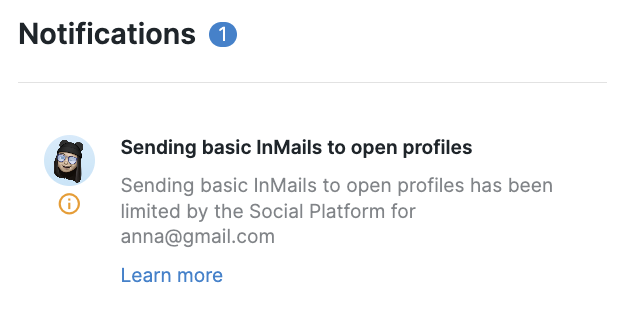
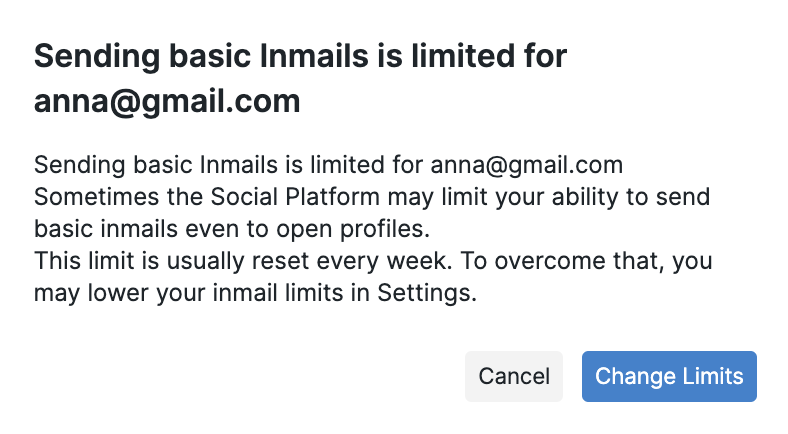
These limits are fully managed by the Social Platform and can’t be changed from our side.
🛠 How to Fix It
To gradually increase your sending capacity, we recommend:
Keeping a consistent and natural daily activity pattern
Maintaining a strong connection or message acceptance rate
(Optional) Verifying your account or upgrading your Social subscription
⚠ If You See “Connection to New Profiles Was Limited”
If you see this message appear among your in-platform notifications, it means the Social Platform has temporarily restricted your ability to send new connection requests.
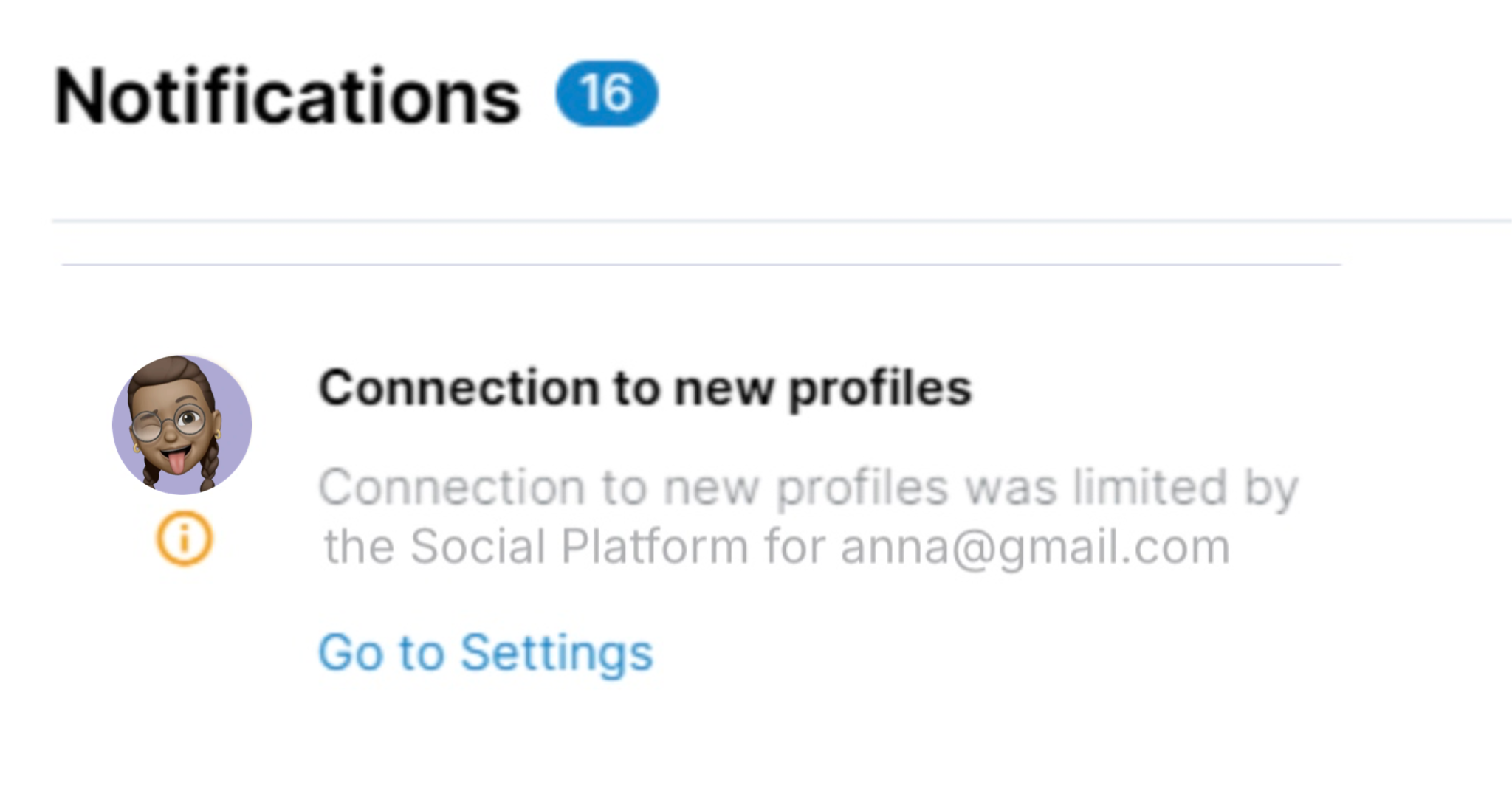
It usually happens for one of the following reasons:
You’ve reached the weekly connection limit (typically around 100 invites per week)
You have too many unanswered connection requests
Your acceptance rate for sent invitations is low
Some recipients reported “I don’t know this person”
🛠 How to Fix It
You can usually resolve the issue by:
Pausing new connection requests for a few days until the restriction lifts
Withdrawing old pending requests to improve your connection ratio
A high number of pending invitations is one of the most common reasons for limits, even if your current sending volume is low.
On the platform: Go to Account Settings → Pending Connections → Delete oldest pending invitations to configure or automate this process.
3. Engaging with your current network through comments and interactions;
4. Personalizing your connection messages to increase acceptance rates.
NOTE: Even when limits are set low within our platform, the Social Platform may apply additional internal caps based on account-specific signals (recent activity patterns, network growth velocity, acceptance ratios, session behavior, IP patterns, account verification, etc.).
Unfortunately, the Social Platform does not expose the exact trigger behind a specific limitation, which is why the explanation can sound generic, but the restriction itself is real and applied upstream.
These limits are often temporary because they are based on short-term activity evaluation. Once the system detects more “normal” behavior, restrictions are usually lifted automatically.
What to expect:
Limits may appear even if no clear issue is visible
They may resolve without any action
They may reoccur
If the issue continues, check your Social Account settings for updates or reach out to the Social Platform’s support team directly.