HubSpot: Pushing Prospects and Syncing Activity
Last updated: June 30, 2026
Once your accounts are connected, you can start sending prospects and their activity to HubSpot. This article explains all the available ways to push prospects and how Activity Sync works behind the scenes.
How to Push Prospects to HubSpot
You can push prospects to HubSpot in four ways:
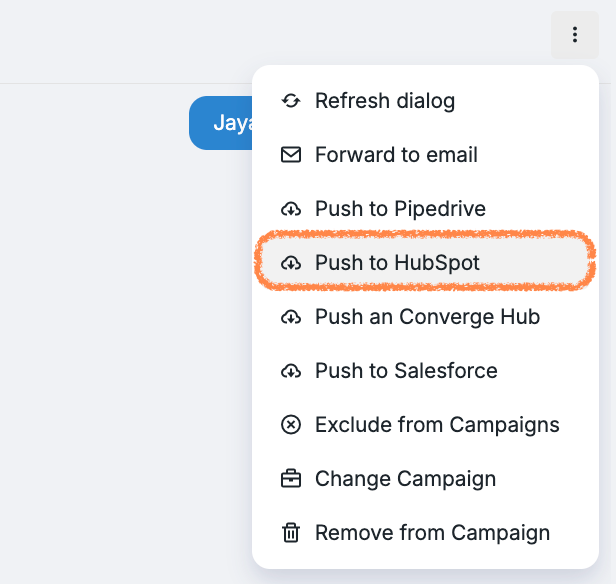
1. From the Inbox tab
Open the prospect’s card, click the three-dot menu, then select Push to HubSpot.
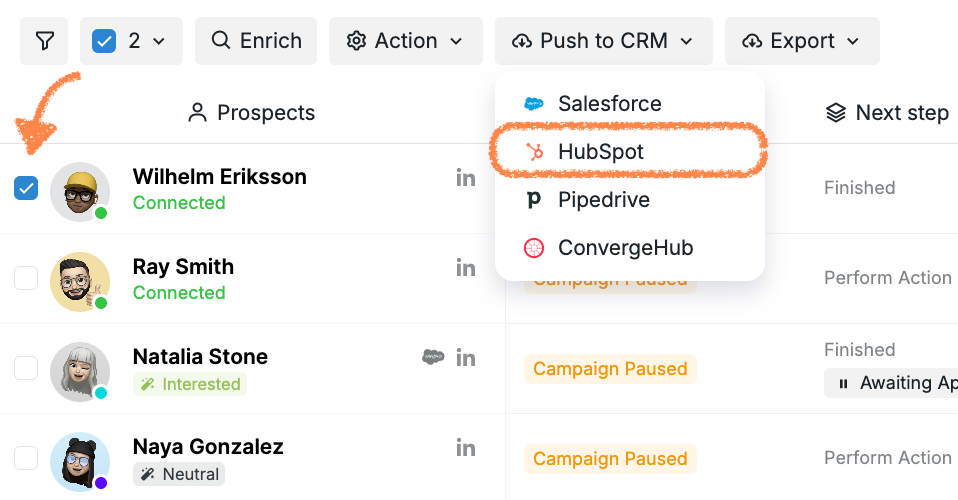
2. From the Prospects tab
Tick the checkbox next to the prospect(s) you want to push and click Push to CRM > HubSpot.
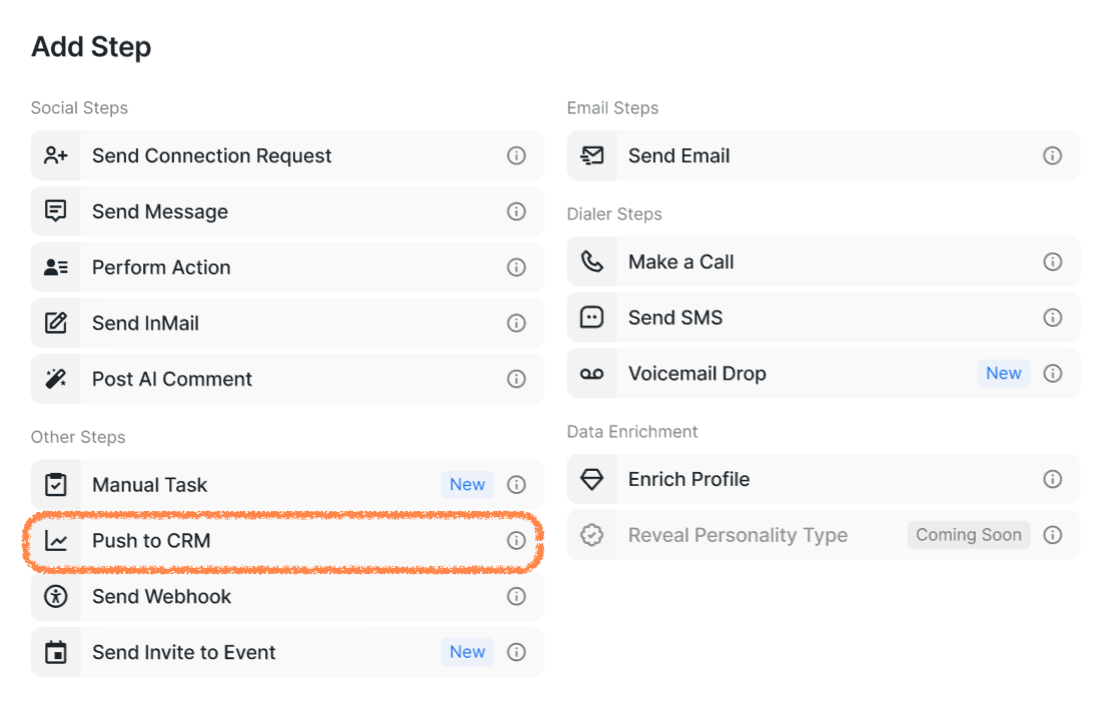
3. As a campaign step
Prospects can also be automatically pushed to HubSpot as part of a campaign workflow.
4. Via Activity Sync
Activity Sync is a feature that lets you automatically push and sync the activity of prospects. You can choose which prospect statuses the sync should apply to, giving you full control over what gets logged.
When Activity Sync is enabled, a prospect will be sent to the CRM as soon as they reach one of the pre-selected statuses, even if the campaign doesn’t include a Push to CRM step. The sync may take up to 20 minutes to complete.
How to Configure Activity Sync
The settings you choose for your HubSpot integration only apply to your Social Account and do not affect other users in your workspace.
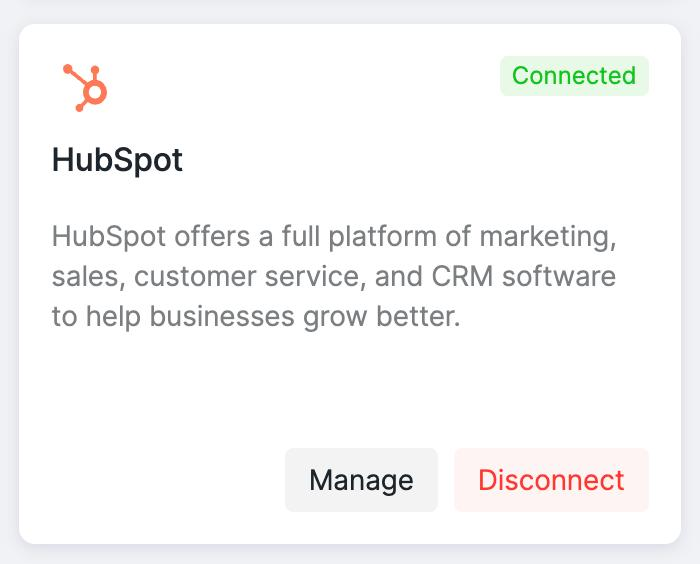
Once your integration is connected, click Manage to access the settings:
Next, you’ll see the setting's page. Turn on the Activity Sync toggle to expand the activity sync and prospect push settings.
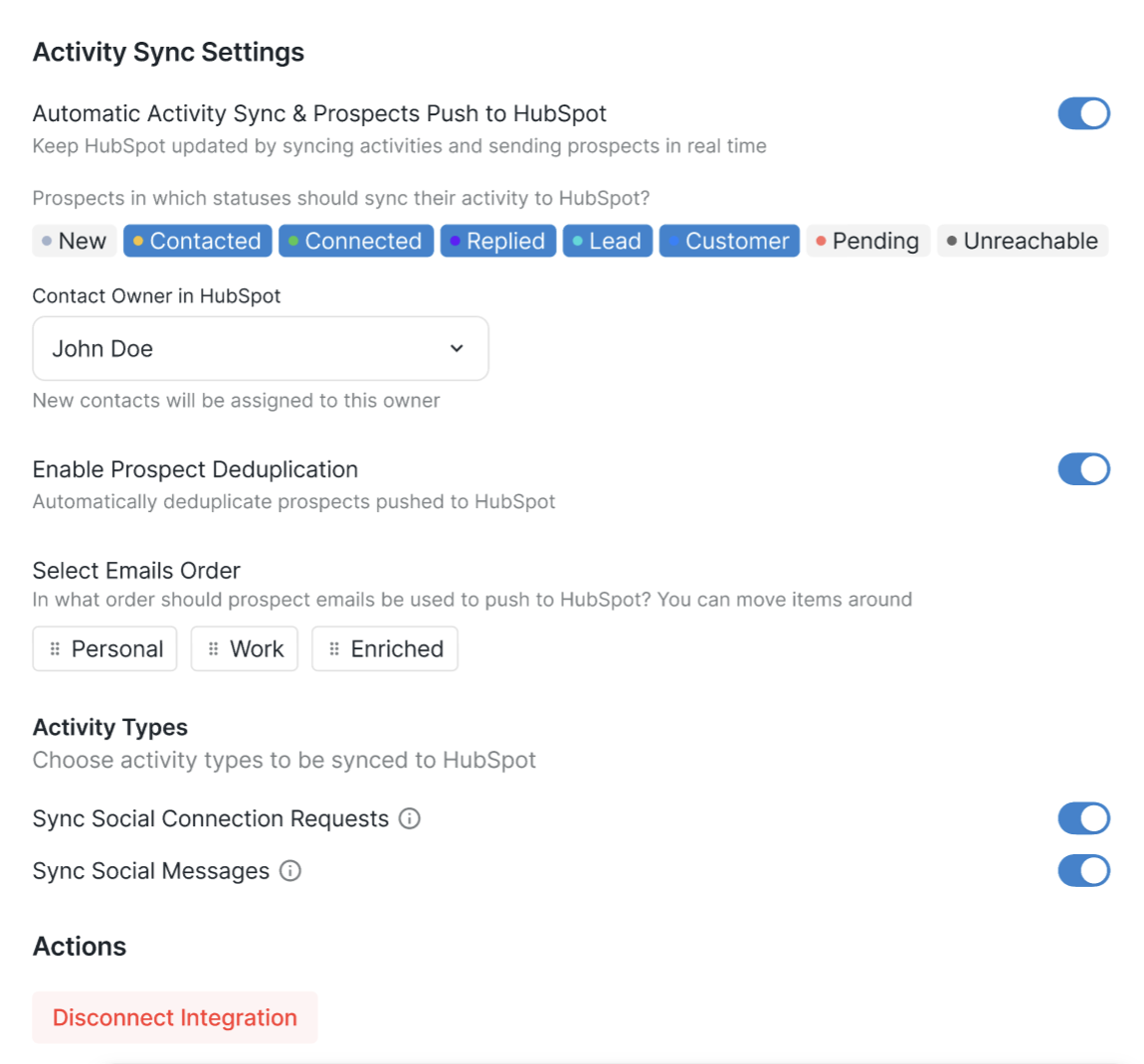
How it works
Activity logging begins when you toggle the feature on (don't forget to save your settings!) and when a prospect reaches a status you’ve selected for syncing. If the prospect isn’t already in HubSpot, they’ll be added automatically. This process can take up to 20 minutes, but all activity during that time will still be tracked and logged.
Activity Sync does not backfill past activity: it only starts tracking from the moment it’s enabled.
Auto-sync applies only to prospects inside campaigns (active or disabled). If a campaign is deleted or a prospect is removed from it, syncing will stop. If that prospect is later added to another campaign, only new messages will be synced. The same applies to manual pushes from Inbox or the Prospects tab: syncing works only if the prospect is currently in a campaign.
If a prospect moves into a status you did not select for syncing, activity logging for that prospect will automatically stop.
For example, if you’ve enabled Activity Sync for prospects with the status Contacted, their activity will be logged until they move to a status like Replied or Lead (unless you’ve chosen those statuses too).
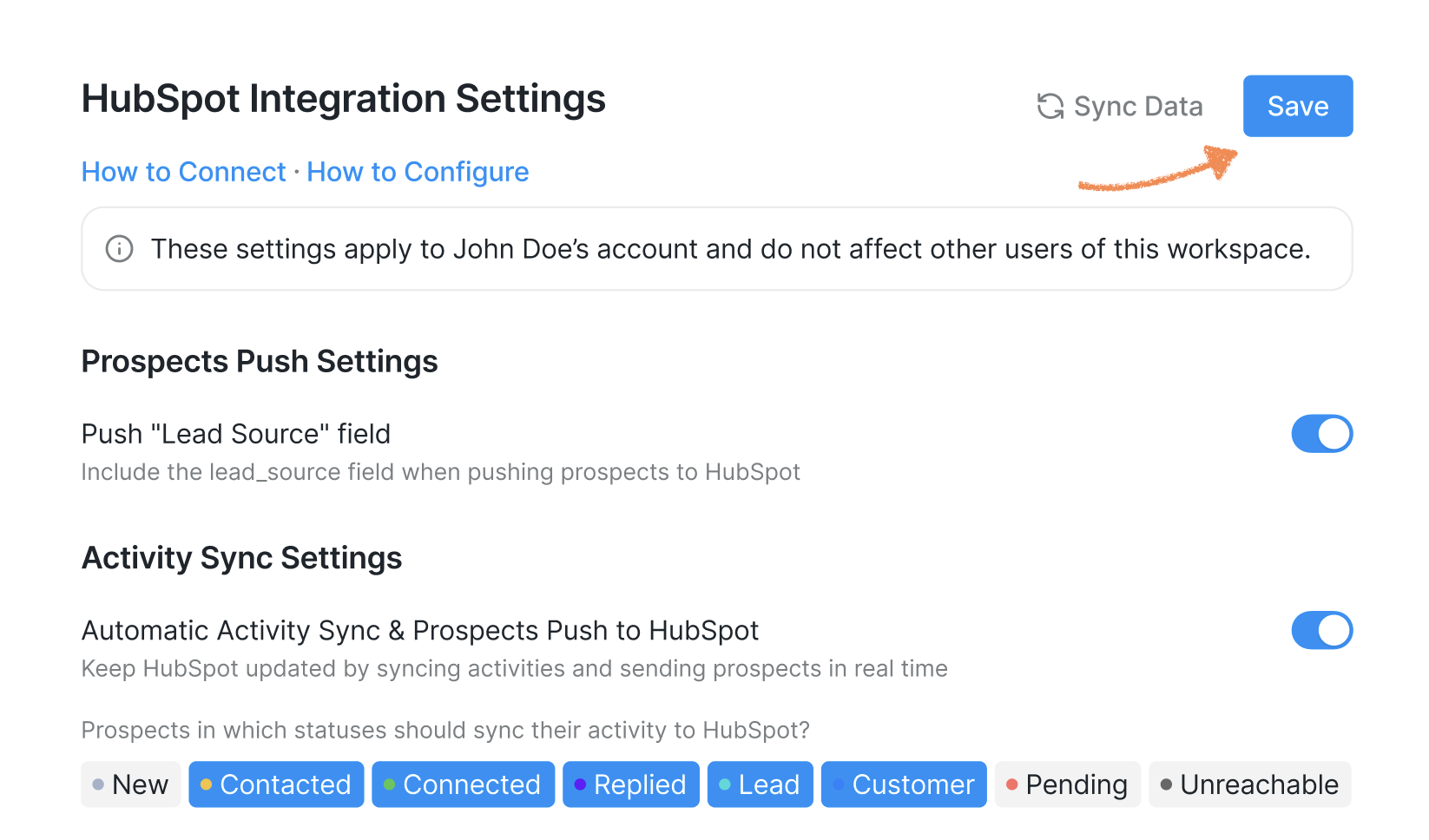
When you're done setting up Activity Sync, make sure to save the setting by clicking the Save button in the top right corner:
Managing the Lead Source Field
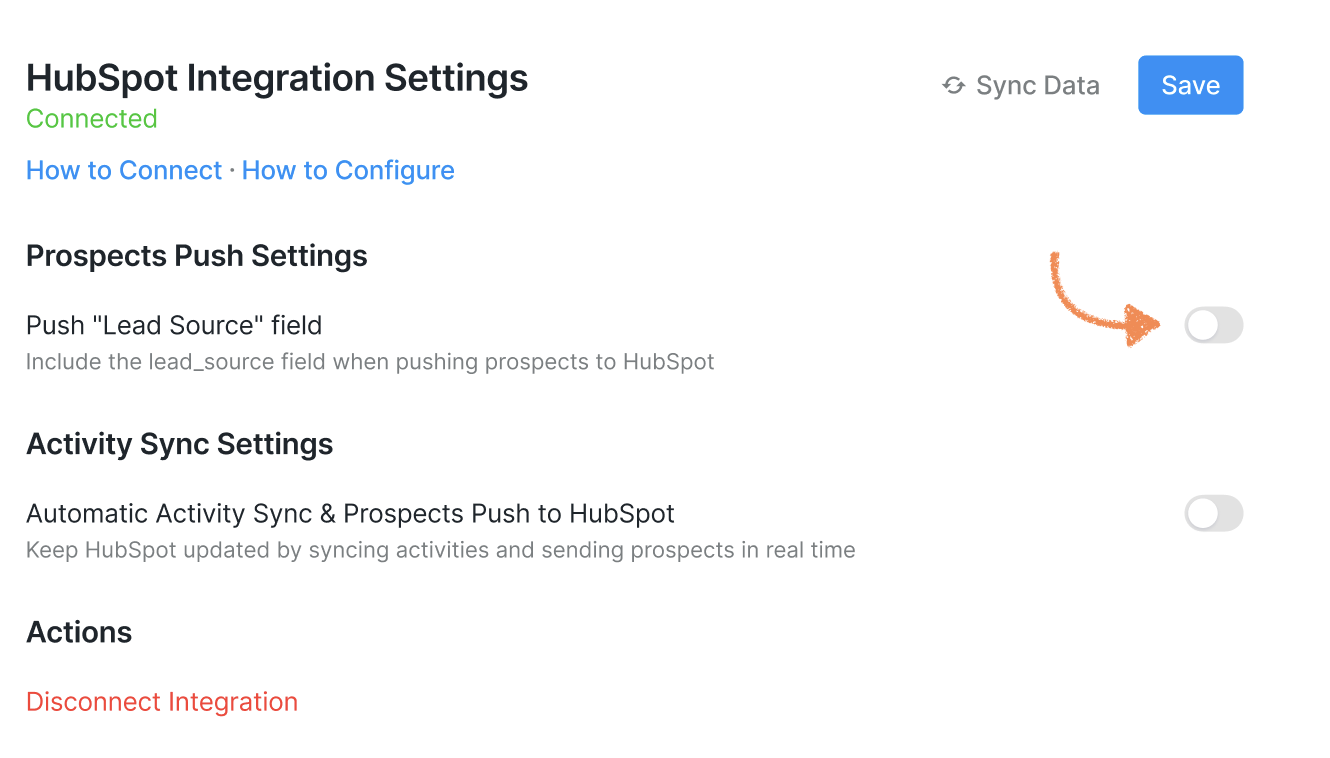
You can choose whether the Lead Source field is pushed to your CRM when prospects sync.
This field can sometimes cause sync issues if it isn’t configured correctly. For example, if the Lead Source property in HubSpot is set to anything other than single-line text, the entire sync will fail.
To prevent this, the platform allows you to control whether the field is sent:
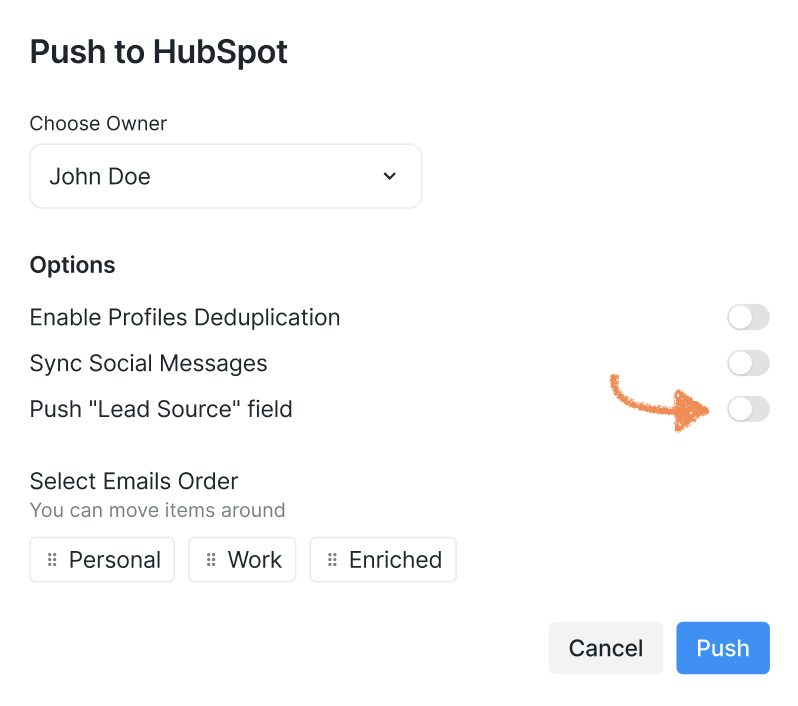
In Integration Settings – toggle the option on or off:
During Manual Pushes – choose whether to include the field each time you push prospects manually: