Creating a Campaign
Last updated: February 20, 2026
There are several settings you can use to build your campaign effectively. Start by identifying your target audience and shaping an outreach strategy that truly gets you noticed.
Creating a Campaign
When you begin creating a campaign, you’ll first see the main setup screen.
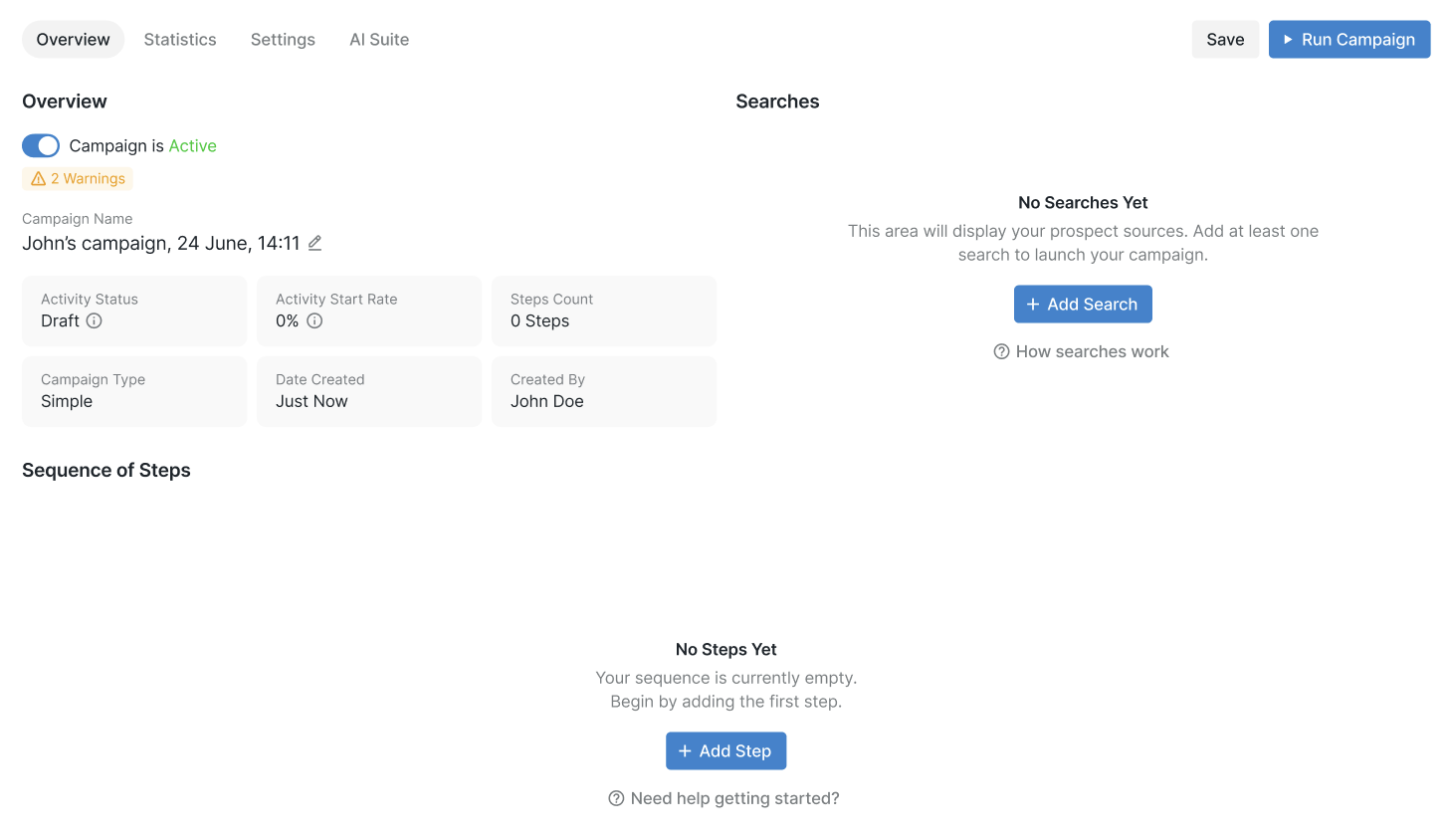
In the Overview section, you can find key campaign details such as its activity status, completion rate, number of steps, campaign type, creation date, and creator. From here, you can also rename your campaign, select a search type, and configure its steps.