Where to Find your API Token
Last updated: July 10, 2026
Whether you need your API token to authorize the app or connect an integration, here’s how you can easily find it:
Go to the Integrations tab, choose Automation or simply type “API” into the search:
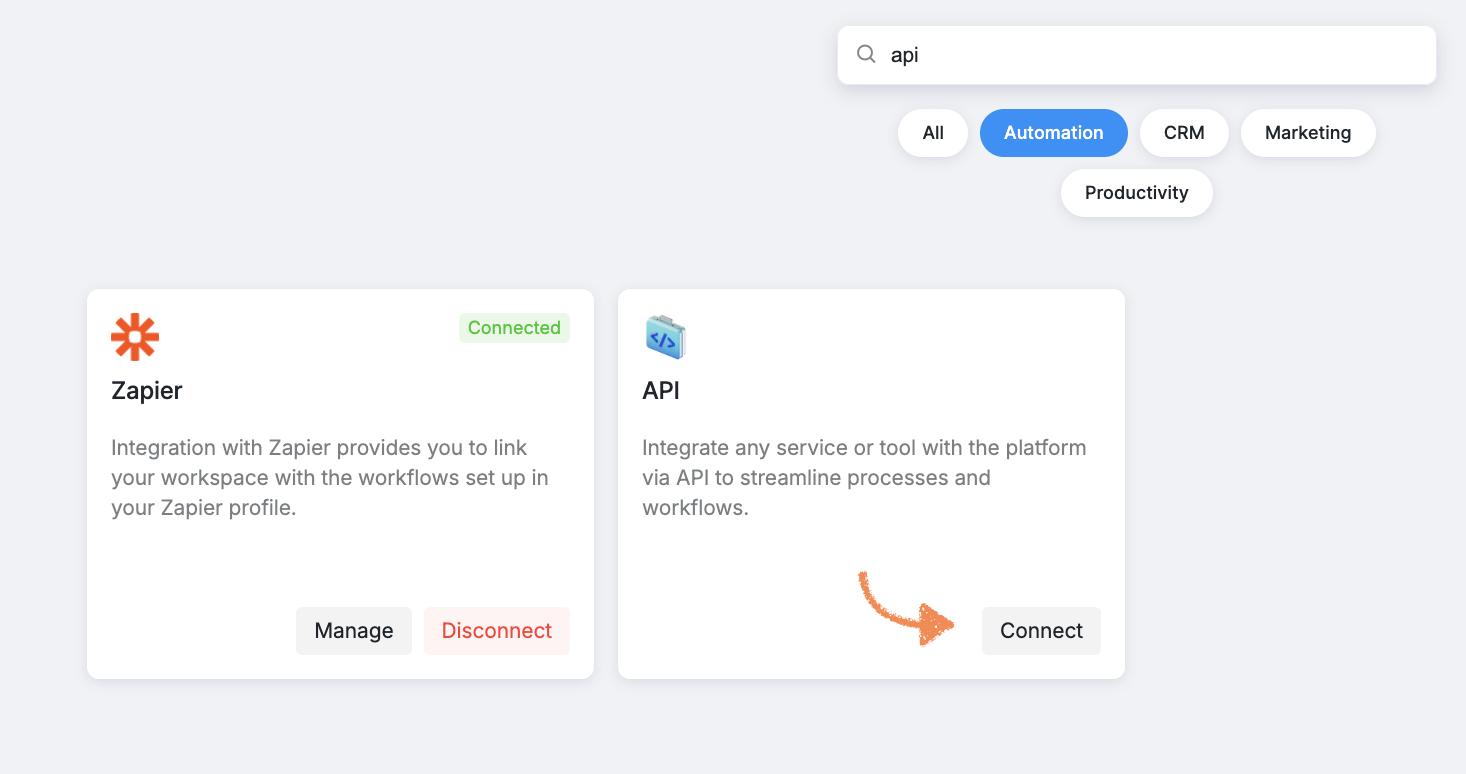
Find the API section and click Connect.
From there, find the token and click Reveal:
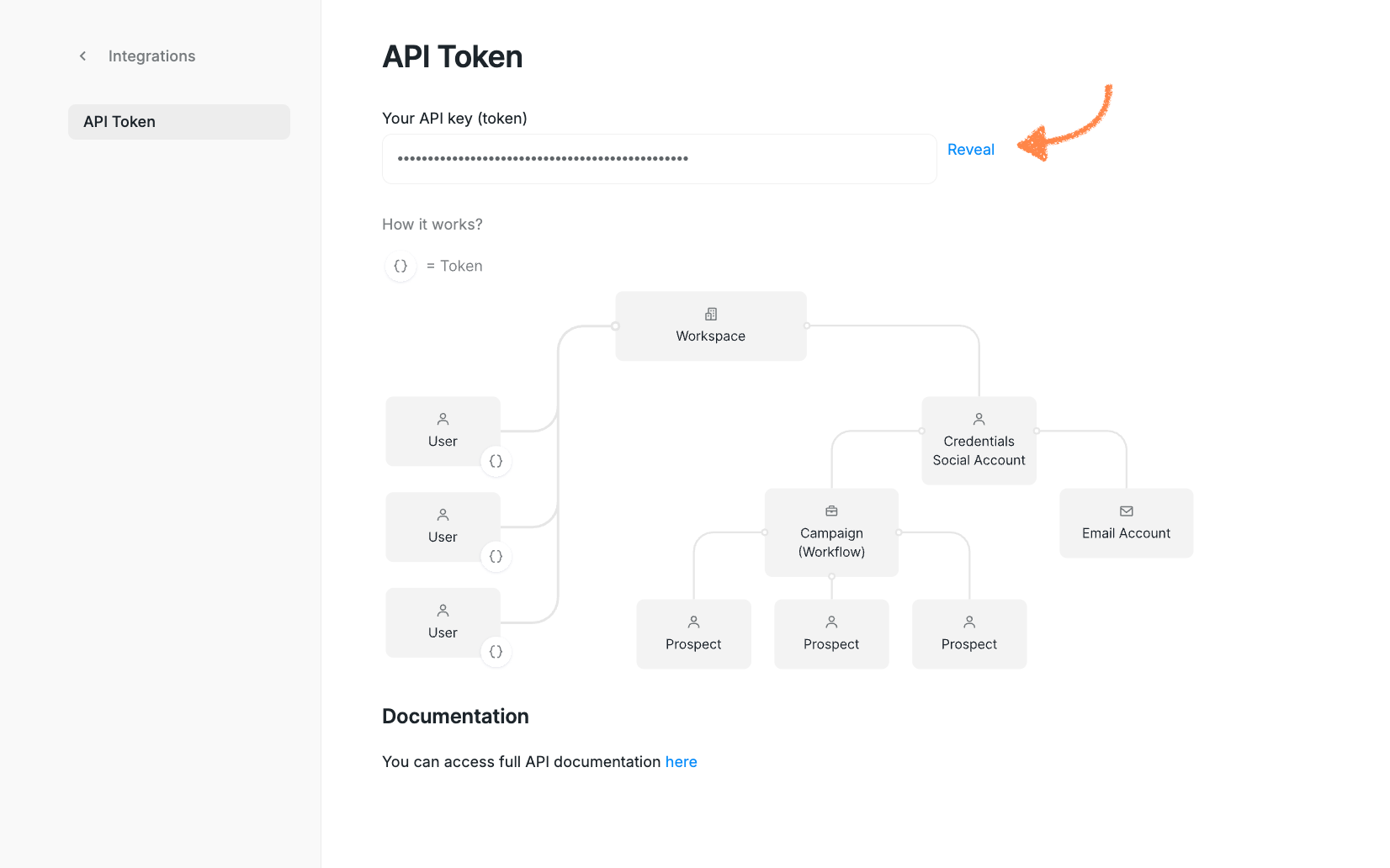
After this, you can copy and paste it wherever you need.
❗If you can’t find the API section in your Integrations tab, please contact our Customer Support team — we’re always happy to help!