Getting Started with Your Inbox
Last updated: April 13, 2026
Your Inbox is a tab where you can manage and engage with all your prospects, with seamless integration into your Social Inbox for quick access to your conversations. This article will walk you through navigating these features to maximize your interactions.
To open your Inbox, click on the Inbox tab on the left-hand side of the screen:
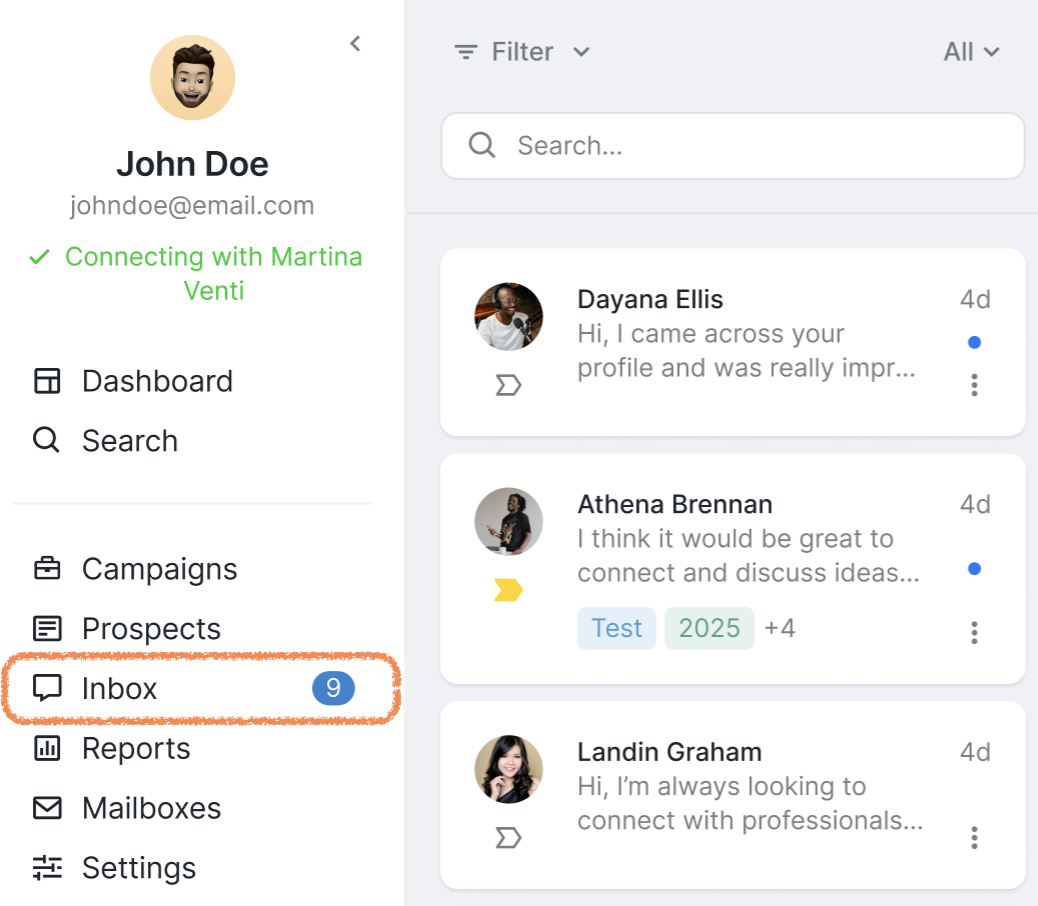
By default, the first conversations that appear in your inbox are from Social + Email campaigns, followed by Email-only campaigns.
So, if you're expecting a message from an Email-only campaign and don't see it right away, it doesn’t mean it’s missing. You may just need to scroll down to find the Email-only conversations.
Alternatively, you can use Filters to view only specific types of messages. Go to Filters > Channel > Email Only, and the chat you're looking for should appear at the top.
Some older or deleted messages might not show up, depending on your email provider and how data is synced.
There's no set limit for how far back the message history goes — it can vary case by case.
If you have any questions or need further assistance, feel free to check other articles in our Inbox collection or reach out to our Customer Support team.