Managing Conversations: Favorite, Archive, and Refresh
Last updated: February 13, 2026
Keeping your Inbox clean and prioritized is easy once you know where to click. Here’s how you can manage individual dialogs and refresh your view.
How to Favorite and Archive Dialogs
To further organize your Inbox, you can manage each conversation individually by clicking the three-dot menu next to a conversation:
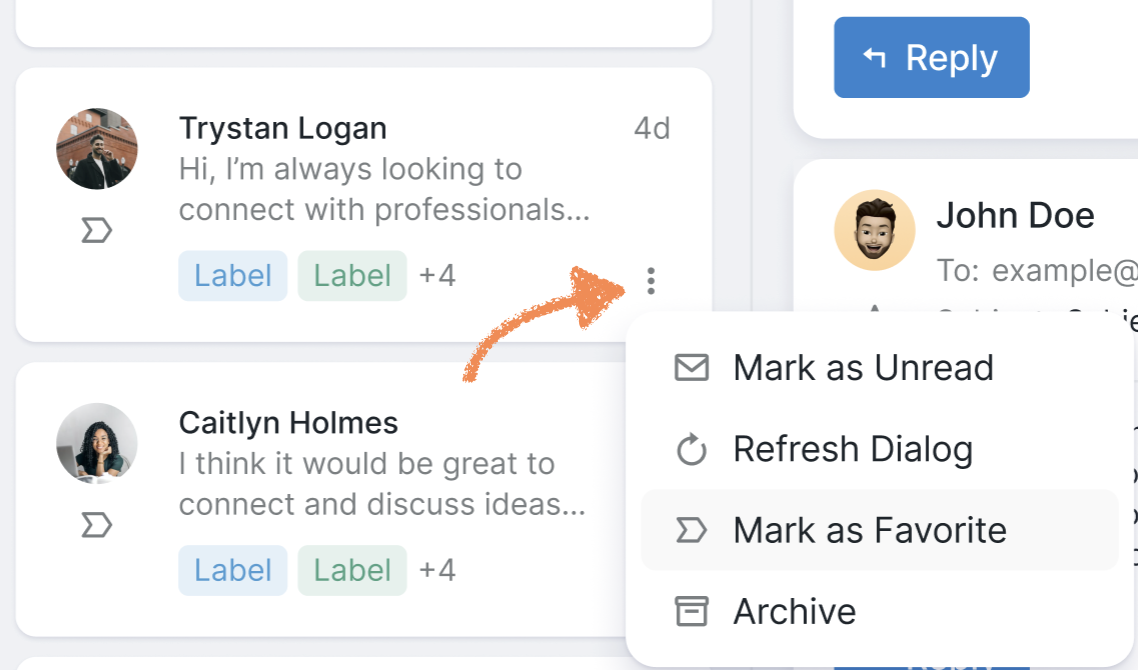
Here, you can:
Mark the conversation as unread;
Refresh the dialog;
Add the dialog to Favorites (also accessible via the icon under the prospect’s photo);
Archive the dialog.
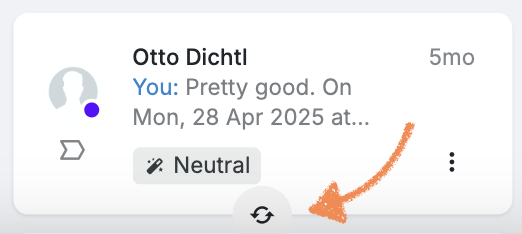
At the bottom of the dialog list, you can find a small refresh button that allows you to refresh all the dialogs at once: