Why are prospects showing up as "Pending" and how to resolve it?
Last updated: April 17, 2026
When prospects appear with the "Pending" status in your campaign, it means their outreach is blocked by an issue you can fix. The campaign won't move forward for those prospects until the underlying problem is resolved.
How to find out why a prospect is pending
In your campaign, click on the Pending section to view all pending prospects:

Hover over the Pending status tag for any prospect to see the specific reason:
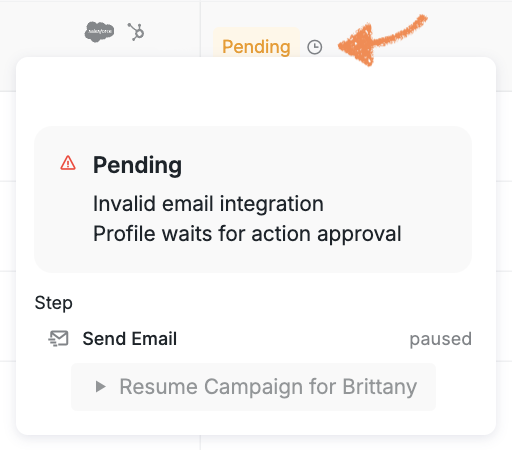
Common reasons for the pending status are:
Invalid email addresses
Manual approval holds
Sales Navigator credit issues
How to resolve it
Once you figure out what caused the issue:
Fix it based on the reason shown
Resume the campaign step
If Manual Approval is turned on and a step was paused, just approve it so the prospect can move forward. After you’ve fixed everything, the prospect should leave the pending stage on its own and keep going through the campaign.
To find out more about why a prospect might get the pending status, please check out this article: Stuck and Waiting Reasons